

About Course
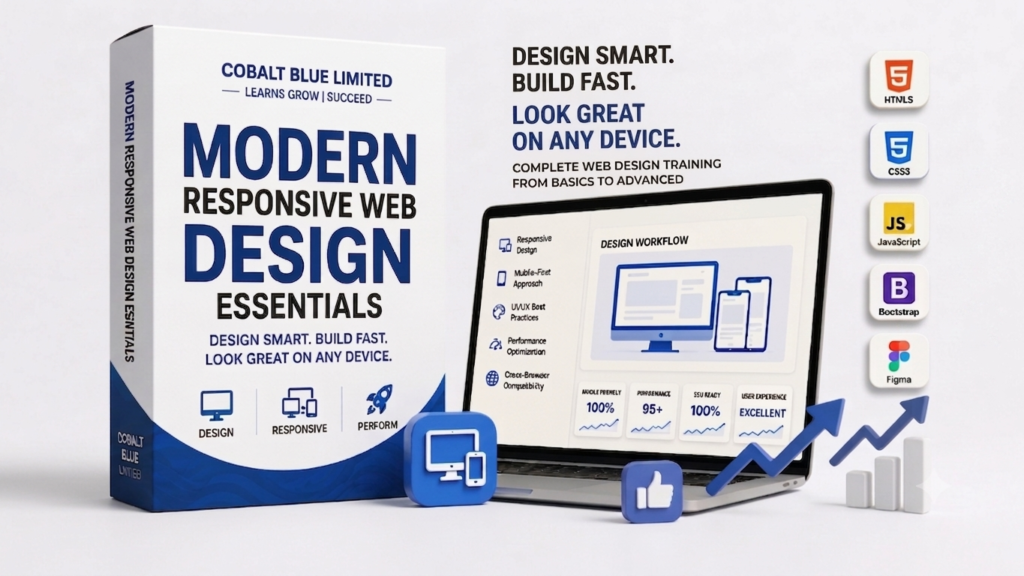
Course Overview: This comprehensive course is designed for aspiring web designers, front-end developers, and anyone looking to build beautiful, functional, and responsive websites from the ground up. You’ll learn the fundamental languages of the web – HTML for structure and CSS for styling – and gain practical skills to create designs that adapt seamlessly across all devices, from desktops to smartphones. Through hands-on projects and real-world examples, you’ll master the core principles of modern web design and be ready to build your first portfolio pieces.
Target Audience:
-
Beginners with no prior coding or design experience.
-
Graphic designers looking to transition into web design.
-
Marketers who want to understand website functionality.
-
Small business owners who wish to create or manage their own websites.
-
Anyone interested in a career in web design or front-end development.
Prerequisites:
-
Basic computer literacy.
-
Access to a computer with an internet connection.
-
No prior coding knowledge is required!
Learning Outcomes: Upon completion of this course, students will be able to:
-
Understand the core concepts and principles of effective web design.
-
Set up a professional web development environment.
-
Write semantically correct and well-structured HTML5 to build webpage content.
-
Style webpages effectively using CSS, controlling layout, typography, colors, and more.
-
Apply the CSS Box Model and various display properties for precise element positioning.
-
Implement basic responsive design techniques using viewport settings and media queries.
-
Create visually appealing and user-friendly static webpages.
-
Debug common HTML and CSS issues using browser developer tools.
-
Build a simple, multi-page website from scratch, ready for a portfolio.
Course Content
Web development
-
web design
Feedback
Reviews (15)
- All Levels
- 15
- June 21, 2026
- Certificate of completion
Nicole Kelly
Frank Brooks
Emma Watson
Brandon James
Pamela Ramirez
Scott Gray