

About Course
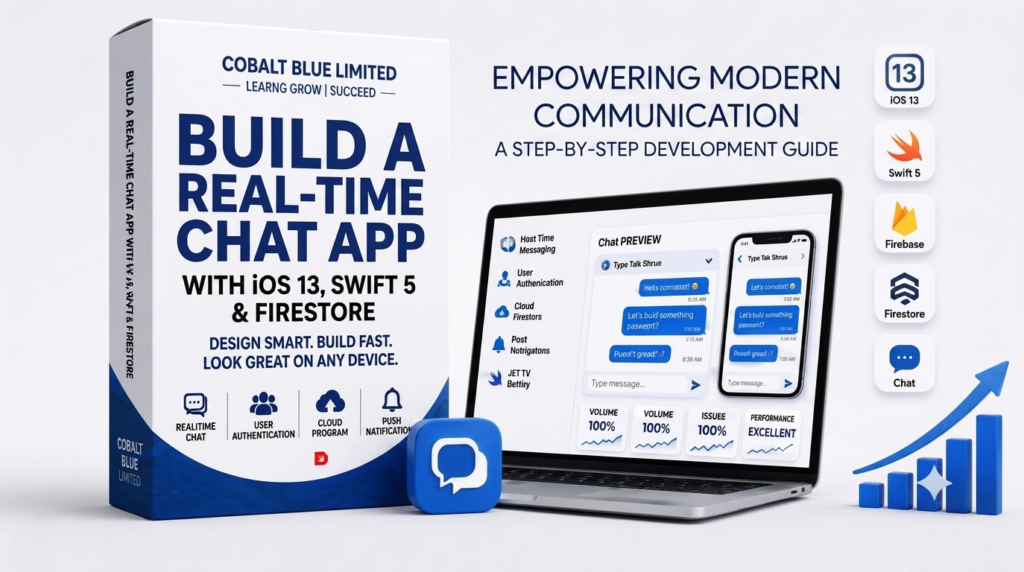
Course Overview: Dive into the exciting world of iOS app development by building a fully functional, real-time chat application from scratch. This comprehensive course will guide you through using the latest iOS 13 features and Swift 5 programming language, combined with Google’s powerful cloud-based NoSQL database, Cloud Firestore. You’ll learn to craft a beautiful user interface, implement real-time messaging, handle user authentication, and manage data efficiently, culminating in a robust chat app ready for deployment.
Target Audience:
-
Intermediate iOS developers looking to build real-time applications.
-
Developers interested in integrating Firebase/Firestore into their iOS projects.
-
Anyone wanting to enhance their Swift 5 and iOS 13 development skills.
-
Aspiring app entrepreneurs with an idea for a chat-based application.
Prerequisites:
-
Basic to intermediate knowledge of Swift programming.
-
Familiarity with Xcode and the iOS development environment.
-
Understanding of basic UI elements (Table Views, Text Fields, Buttons).
-
A Mac computer running macOS with Xcode 11 (or later) installed.
-
An active Apple Developer account (recommended for full features but not strictly required for development).
Learning Outcomes: Upon completion of this course, students will be able to:
-
Master Swift 5 fundamentals in the context of building a complex application.
-
Navigate and utilize Xcode 11+ for efficient iOS development.
-
Design and implement a modern chat UI using Storyboards and programmatically.
-
Integrate Firebase into an iOS project for authentication and database services.
-
Implement user authentication (registration, login, logout) using Firebase Auth.
-
Send and receive real-time messages using Cloud Firestore.
-
Structure and query data effectively within a Firestore database.
-
Handle UI updates dynamically as new messages arrive or data changes.
-
Manage user sessions and persistence.
-
Implement secure coding practices for client-server communication.
-
Prepare an iOS application for potential deployment.
Course Modules:
Module 1: Getting Started with iOS & Project Setup
-
Introduction to iOS 13, Swift 5, and Xcode
-
Setting up a new Xcode project for a chat app
-
Basic UI design for login/registration screens
-
Integrating Firebase SDK into an iOS project
-
Introduction to Firebase Console and Project Setup
Module 2: User Authentication with Firebase Auth
-
Implementing user registration (email & password)
-
Implementing user login and logout functionality
-
Handling authentication states and persistence
-
Error handling and user feedback for authentication flows
-
Updating UI based on authentication status
Module 3: Designing the Chat Interface
-
Building the main chat view controller
-
Using
UITableViewto display messages -
Customizing chat message cells (sender/receiver bubbles)
-
Auto-sizing table view cells for dynamic message content
-
Input text field and send button implementation
Module 4: Real-Time Messaging with Cloud Firestore
-
Introduction to Cloud Firestore (collections, documents, fields)
-
Setting up Firestore rules for security
-
Sending messages to Firestore
-
Retrieving messages in real-time from Firestore
-
Displaying real-time messages in the chat UI
-
Sorting and querying messages
-
Handling message timestamps and user data
Module 5: Enhancements & Best Practices
-
Scrolling to the bottom of the chat automatically
-
Preventing keyboard from covering text input
-
Adding user avatars (optional, can use placeholder)
-
Storing additional user data in Firestore
-
Basic error handling and debugging techniques
-
Reviewing best practices for Firebase integration
-
Preparing the app for further development or deployment
Instructor: [Instructor Name/Details – e.g., Experienced iOS Developer with multiple apps on the App Store, specializing in Firebase integration.]
Course Format:
-
Step-by-step video tutorials
-
Downloadable project files for each module
-
Coding challenges
-
Access to a Q&A forum
-
Practical, hands-on project building a complete app
Course Content
APP DEVELOPMENT
-
part 1
-
part 1
Web app
Feedback
Reviews (12)
- All Levels
- 13
- June 21, 2026
- Certificate of completion

Larry Howard
Amy Cox
Stephen Richardson
Shirley Cooper
Eric Rivera
Kathleen Bailey